Reduct.Video vs ListenAll: Which One Should You Choose?
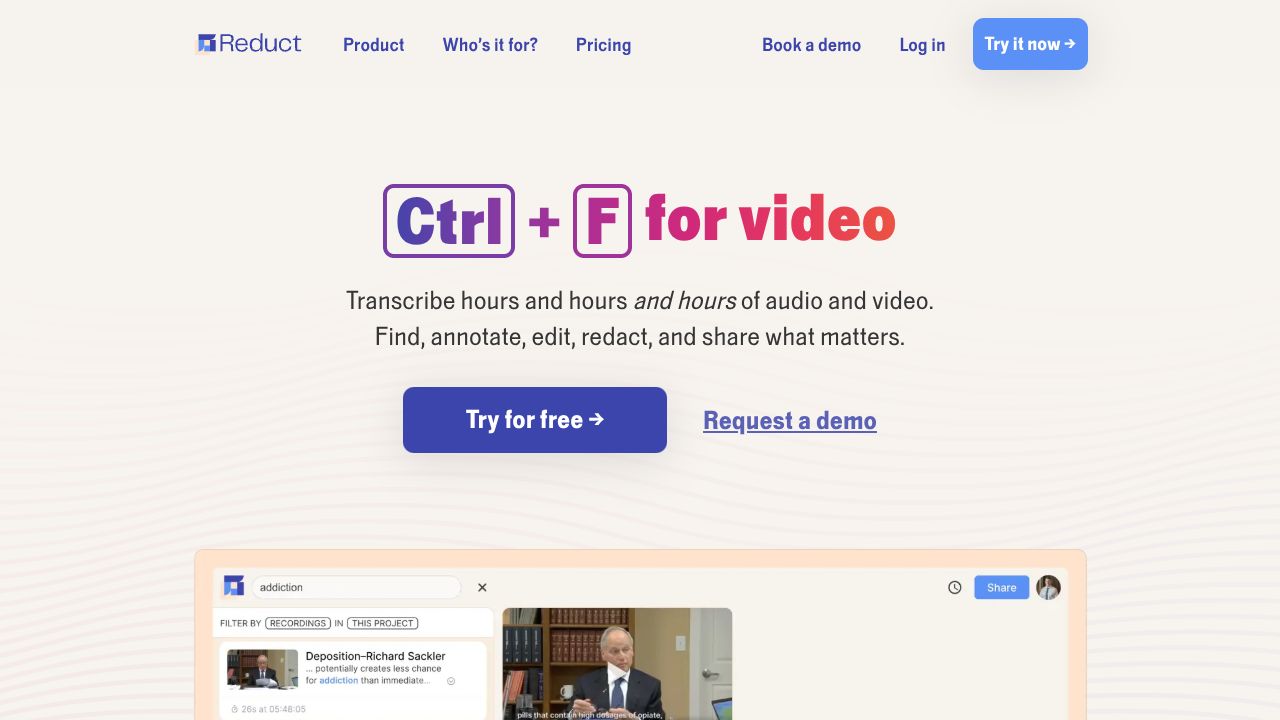
Transform Video Documentation into Developer Gold
Video documentation and team collaboration are eating 40% of developer time - but they don't have to. While traditional video editing tools force developers into complex timelines and manual transcription, Reduct.Video is revolutionizing how technical teams handle video content with its text-first approach.
Step 1: Optimize Your Development Workflow
- - Create a Professional account ($40/month) for 300 hours/year of transcription
- - Connect your Zoom/Teams/Meet for automatic meeting capture
- - Set up team workspaces with shared transcription pools
- - Enable silence detection to maximize transcription minutes
Pro tip: Unlike ListenAll which focuses primarily on audio, Reduct.Video's video-first approach better serves technical documentation needs.
Step 2: Leverage AI-Powered Documentation
- - Upload existing technical tutorials or team meetings
- - Get 94% accurate transcriptions across 90+ languages
- - Use text-based highlighting to mark critical code explanations
- - Create searchable tags for different programming concepts
- - Generate instant timestamps for all code examples
While Maestra offers similar transcription capabilities, Reduct.Video's collaborative features make it particularly valuable for development teams.
Step 3: Master Collaborative Code Reviews
- - Use strike-through editing to trim technical discussions
- - Create videoboards for organizing multiple code walkthrough clips
- - Enable team commenting for asynchronous code reviews
- - Share secure links with specific timestamp ranges
- - Export highlights directly to documentation platforms
Common Mistakes to Avoid
- - Ignoring Silence Detection: Enable automatic silence skipping to preserve transcription minutes
- - Under-utilizing Tags: Create a consistent tagging system for different programming languages and concepts
- - Solo Editing: Leverage team features for better knowledge sharing - unlike Veed.io which focuses on individual editing
Smart Integration Strategies
- - Connect with Git workflows through shared links
- - Create standardized templates for different meeting types
- - Use videoboards as visual documentation maps
- - Export transcripts to technical documentation
The Developer Tools Advantage
Reduct.Video stands out in the developer tools ecosystem through:
- - Superior AI accuracy (94%) compared to competitors
- - Text-based editing that feels natural to developers
- - Team-friendly features designed for technical collaboration
- - Cost-efficient pooled transcription hours
Conclusion: When to Choose Reduct.Video
Reduct.Video is ideal for development teams who:
- - Need accurate documentation of technical discussions
- - Value collaborative video editing capabilities
- - Require multilingual support for global teams
- - Want to integrate video content into existing documentation
While ListenAll excels at podcast production and Veed.io targets content creators, Reduct.Video's focus on team collaboration and precise text-based editing makes it the superior choice for development teams handling technical video content. The investment in Professional tier ($40/editor/month) quickly pays for itself through improved documentation efficiency and team alignment.